
Translate any document like .pdf, .docx, etc.
There are several translators online with or without paid subscriptions, which will assist you in translating a document in any of the common formats, like .pdf, .docx, etc. Take the Google Translator, for example, available at https://translate.google.com/. As soon as you type its web address in your browser, a window opens that looks like the one below, usually in your native language.
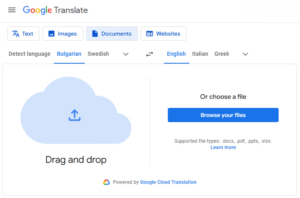
Make sure the label “Documents” button is selected on the top row, drag and drop your document into the box at left or manually choose it in the box at right, select source and target languages, and receive your translated document, which you may immediately read or download to your device.
Translate any freely available piece of text
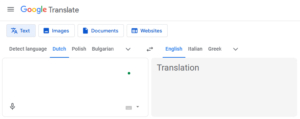
Start by selecting the “Text” button. Next, type or copy and paste the text into the box at left, select source and target languages, and receive your translated piece of text in the box at right.